What you will learn
- Use raia Copilot to safely test your agent before deploying it to customers.
- Read the Admin Mode panel to debug agent reasoning.
- Use the feedback tools to rate responses and flag issues.
- Establish a continuous improvement loop to make your agent smarter over time.
Why We Test Before Going Live
Deploying an AI agent without testing it is like putting a new employee on the phones without training. No matter how good your Instructions or how clean your Vector Store is, the agent will interpret things in ways you did not expect.
raia Copilot is your safe testing environment. It looks exactly like the chat interface your customers will see, but includes hidden debugging tools that show you exactly how the agent is thinking.
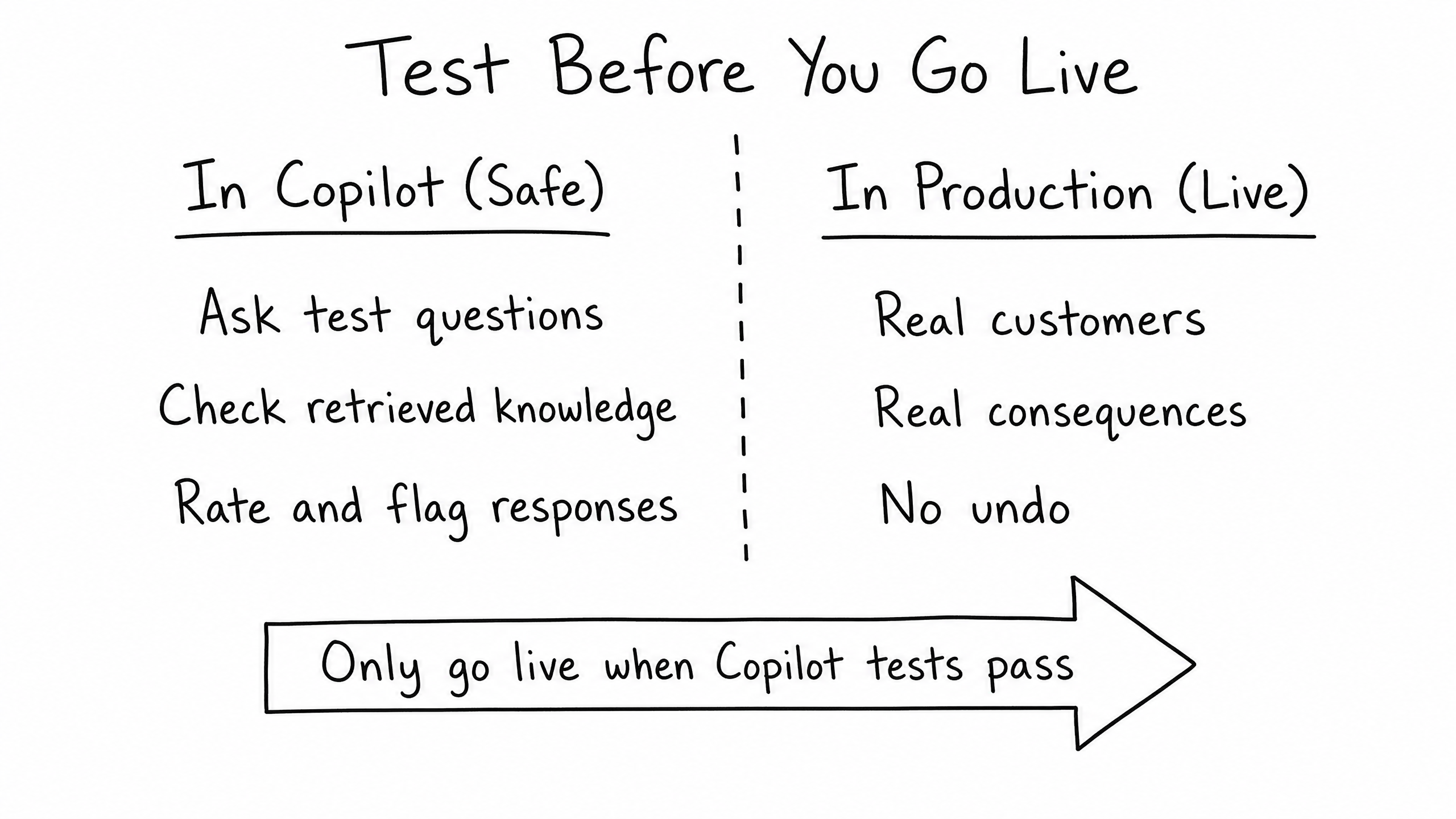
Always run at least 10–20 test conversations in Copilot before turning on Live Chat, SMS, Email, or Voice.
Navigating the Copilot Interface
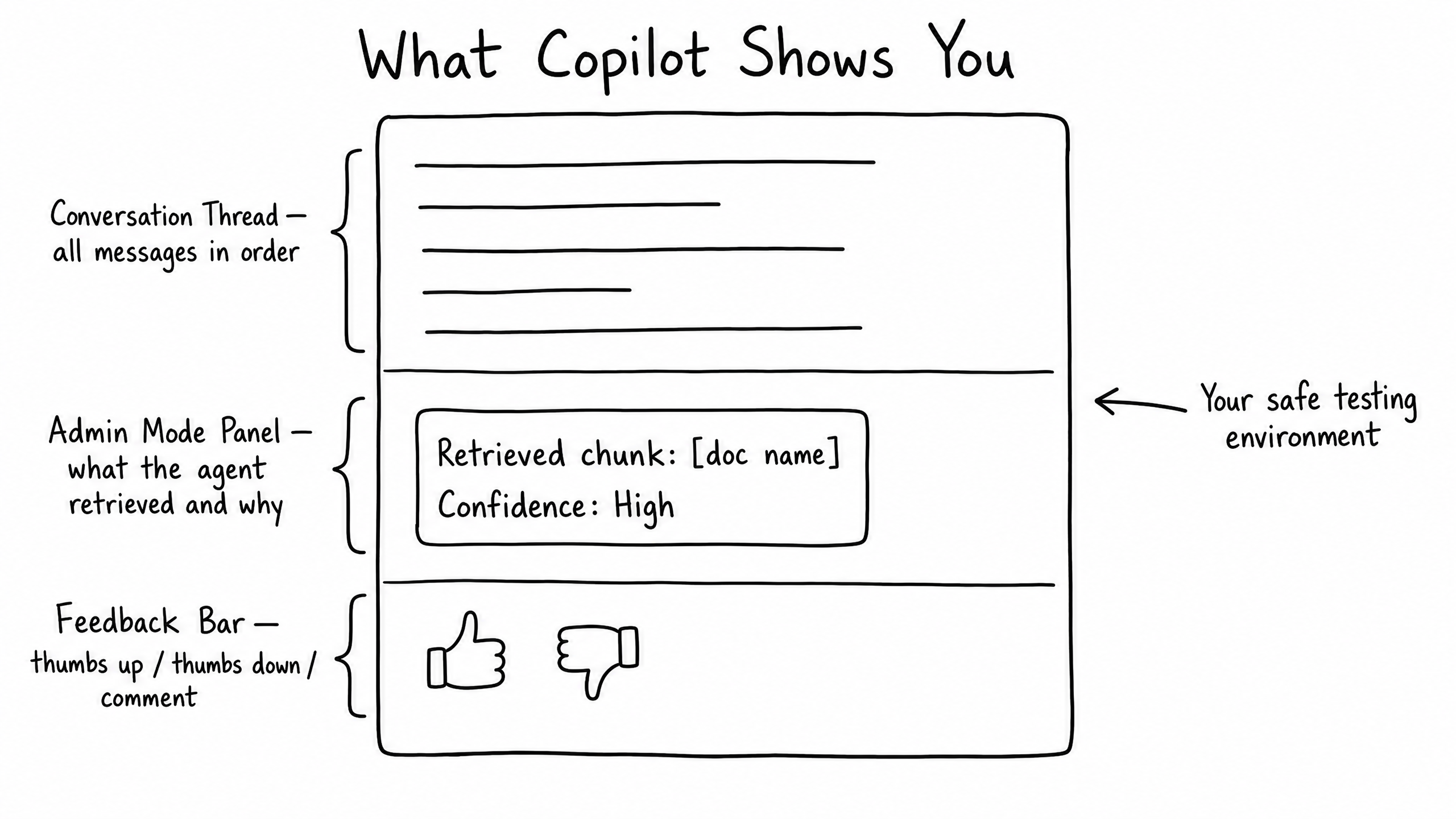
When you open Copilot, you're not just chatting with the AI — you're looking under the hood. The interface is divided into three critical areas:
Area 01
The Conversation Thread
The standard chat view. You type a question, the agent replies.
Area 02
The Admin Mode Panel
The most important tool for a Functional Expert. Shows exactly which document chunks the agent retrieved from the Vector Store and how confident it was.
Area 03
The Feedback Bar
Below every agent response: thumbs-up, thumbs-down, and a comment button.
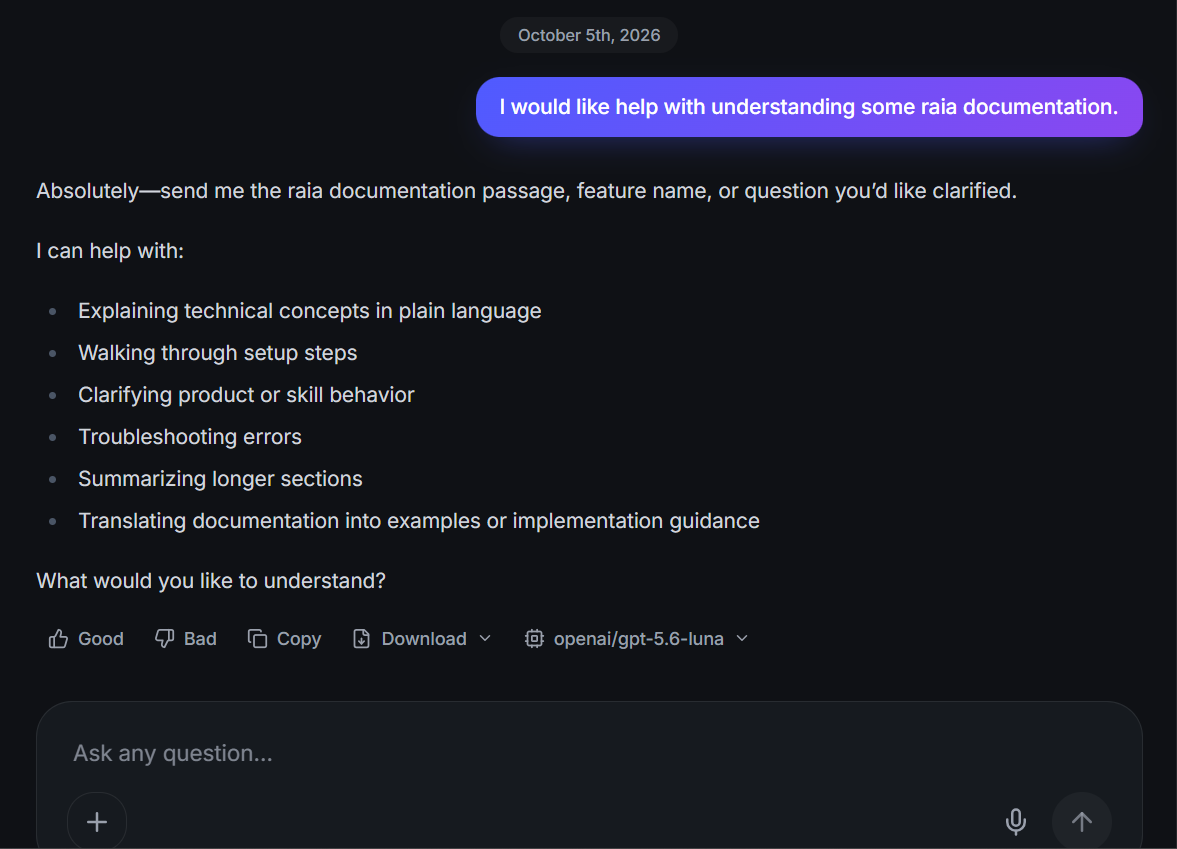
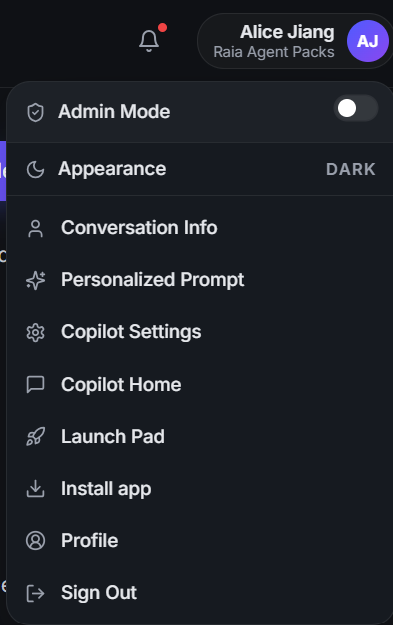
Using Admin Mode to debug
| Symptom | Where to fix it |
|---|---|
| Wrong document retrieved | Your Vector Store needs better formatting — revisit Module 04. |
| Right document, wrong answer | Your Instructions need to be clearer — revisit Module 03. |
Human-in-the-Loop & Feedback
Copilot is not just for testing before launch — it's also where you monitor the agent after it goes live. When a customer is talking to your agent on your website, you can watch it happen in real time inside Copilot. If the agent gets confused or the customer gets frustrated, click Take Over. The AI pauses, and you type directly to the customer to resolve the issue.
Rating responses
Thumbs Up
Tells the system: this is a great answer, do more of this.
Thumbs Down
Flags the response as incorrect.
Comments
Leave a note explaining why it was wrong (e.g., "Tone is too robotic" or "Used outdated pricing").
These ratings are compiled into a daily Feedback Document that is automatically fed back into the agent's Vector Store, ensuring it learns from its mistakes.
The Continuous Improvement Loop
An AI agent is never "finished." Business changes, pricing updates, and customers ask new questions. The most successful teams treat agent management as a continuous loop:
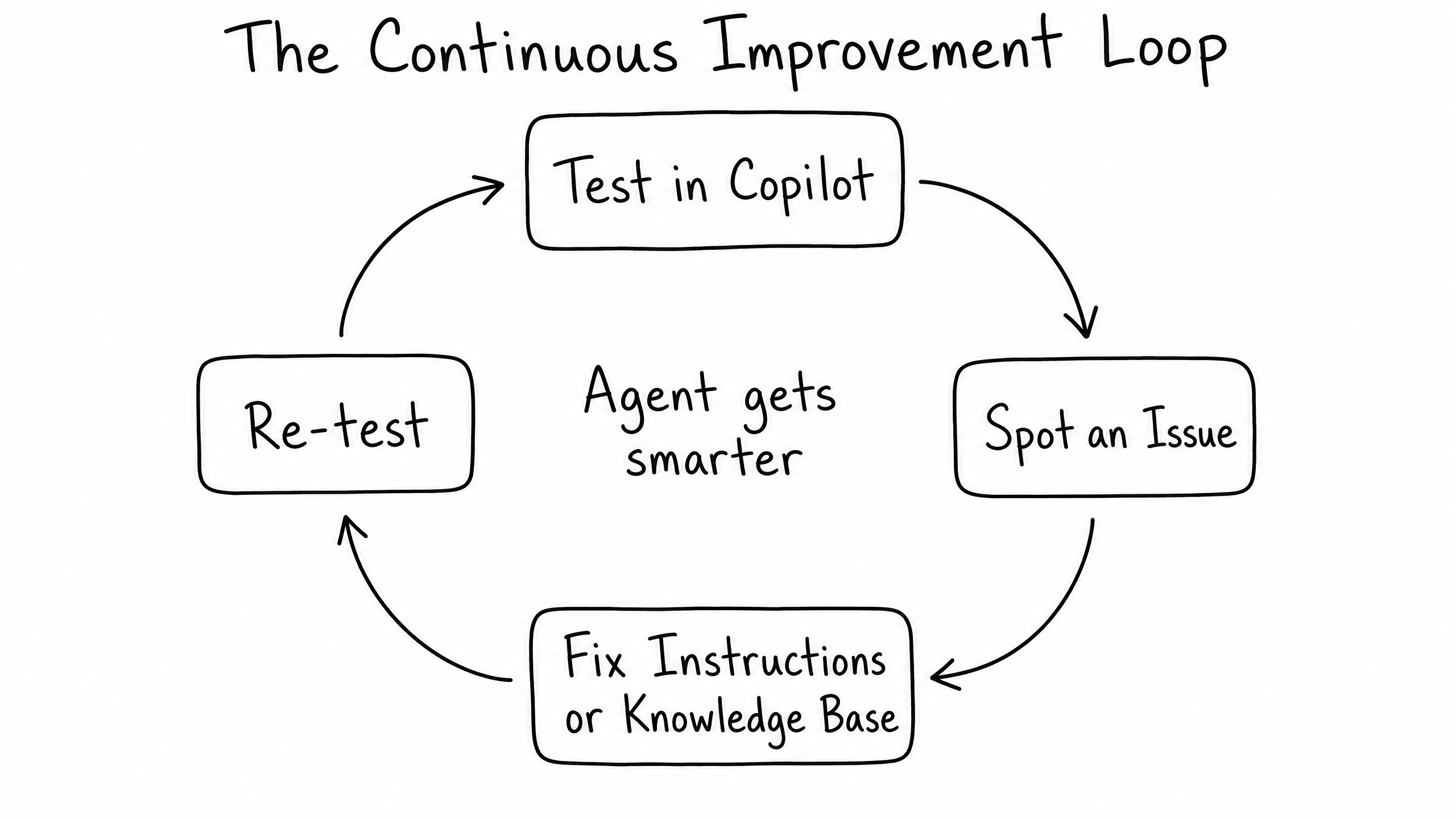
Step 01
Test / Monitor in Copilot
Watch how the agent handles real scenarios.
Step 02
Spot an issue
Identify a bad answer or a missing piece of knowledge.
Step 03
Fix the source
Do not just correct the agent in the chat. Go to raia Command and update Instructions or upload a new document to the Vector Store.
Step 04
Re-test
Ask the same question again in Copilot to verify the fix worked.
Follow this loop and your agent will get progressively smarter, more accurate, and more autonomous every single week.
Frequently Asked Questions
Can regular users or customers see the Admin Mode panel?
No. Admin Mode is strictly visible to authenticated team members using the Copilot application. Customers using Live Chat or SMS only see the final response.
If I give a thumbs-down, does the agent instantly know the right answer?
No. A thumbs-down flags the response for review. To actually fix the agent's behavior, provide the correct answer in the feedback comment (which gets added to its memory) or update the underlying Vector Store document.
How many test conversations should I run before going live?
Create a Test Script of your 10 most common questions plus 5 edge-case questions designed to trick the agent. If it passes all 15 in Copilot, you're ready for a phased rollout.
Path Complete
Congratulations
You have completed the Functional Expert path.
You now know how to:
- Define an agent's purpose and guardrails.
- Write clear, sectioned Instructions.
- Format and upload documents to the Vector Store.
- Configure communication channels safely.
- Test, debug, and improve the agent using Copilot.
You are ready to build your first AI agent.