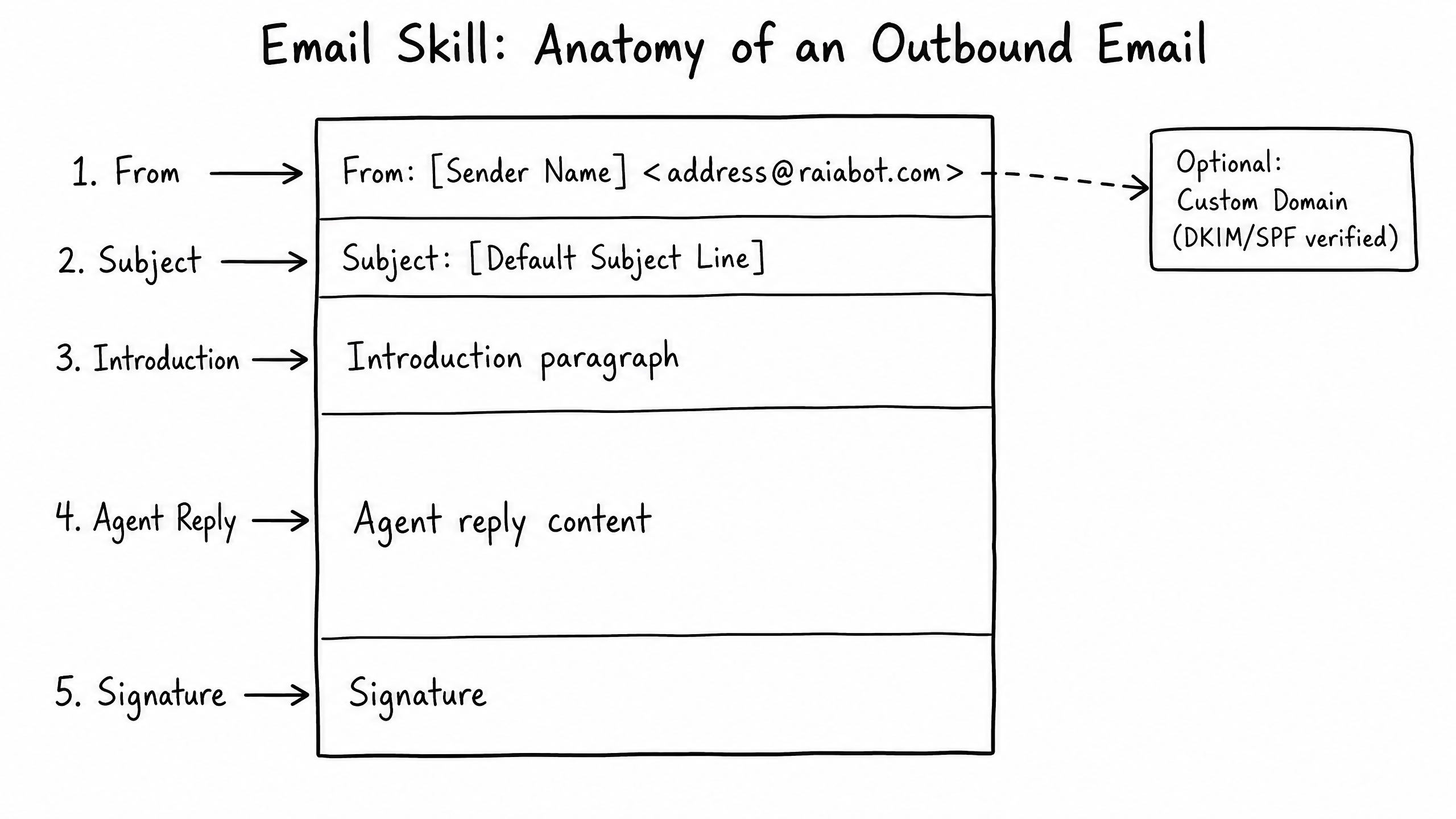
How it works
The Email skill allows your agent to process and respond to inbound emails. It is designed for asynchronous support queues, document processing, and long-form inquiries.
Video overview
Key features
Inbound Processing
The agent reads the email body, subject line, and attachments.
Draft or Auto-Send
Either reply automatically or draft a response for human review.
Thread Context
Maintains context across multiple email replies in the same thread.
Forwarding Support
Forward from your existing support address to the agent's unique routing address.
How to configure it
- 01
Enable the Email skill in Launch Pad.
- 02
The system generates a unique inbound routing address (e.g., agent-123@inbound.raia.ai).
- 03
In your email provider (Gmail, Outlook), set up a forwarding rule from your support address to the routing address.
- 04
Choose whether the agent should Auto-Reply or Save as Draft in Copilot.
Frequently asked questions
Can the agent read PDF attachments?
Yes — with the appropriate extraction capabilities enabled, it can parse text from standard PDF and Word document attachments.
How do I prevent the agent from replying to automated emails?
Built-in loop prevention ignores standard auto-responders and out-of-office replies. You can also configure domain exclusions in the skill settings.