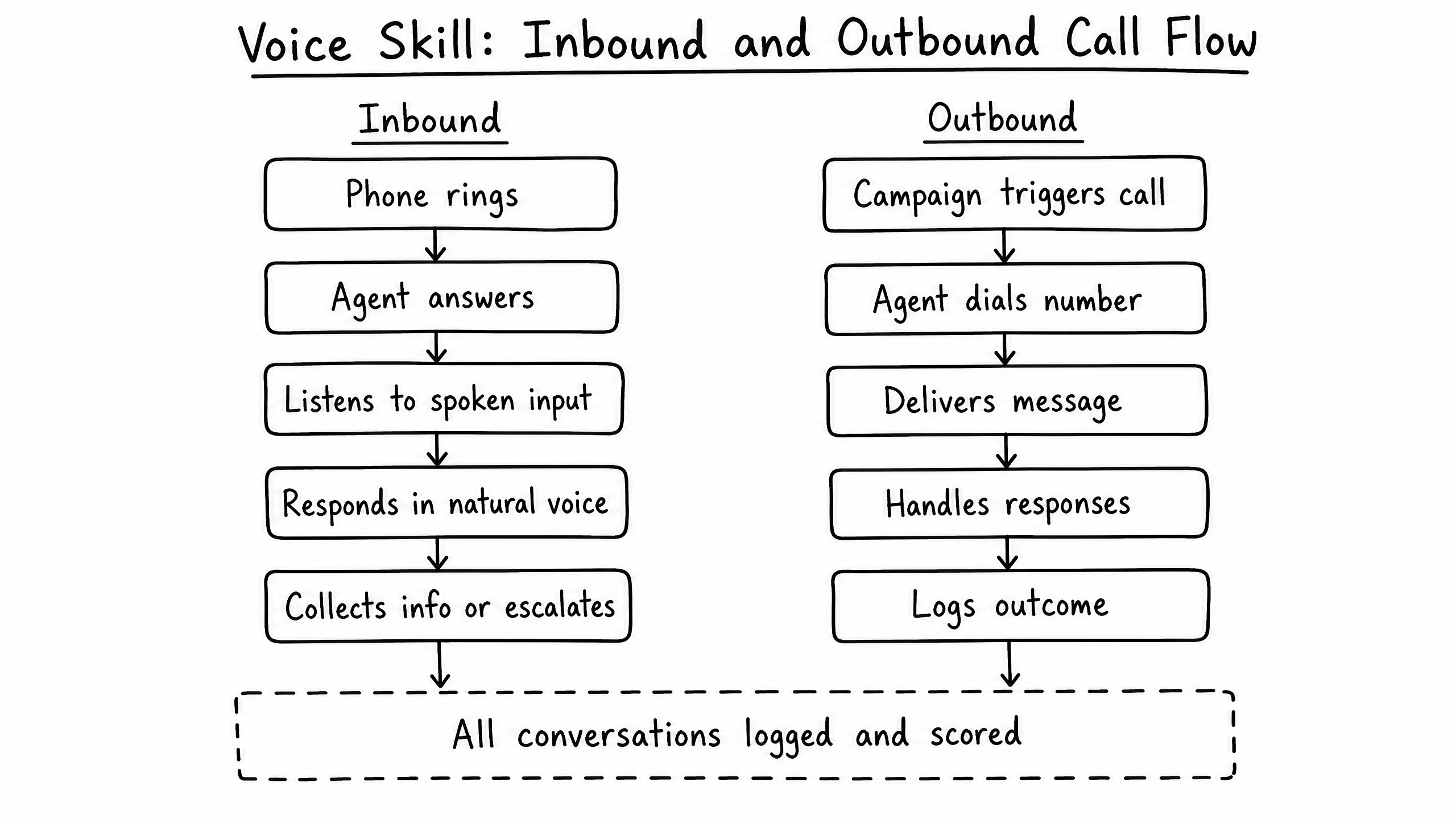
How it works
The Voice skill enables your agent to handle inbound phone calls using conversational AI. It converts speech to text, processes intent through the LLM, and synthesizes a natural-sounding voice response in real-time.
Video overview
Key features
Real-Time Conversational AI
Low-latency speech-to-text and text-to-speech processing.
Voice Selection
Choose from multiple realistic voice profiles (accents, genders, tones).
Interruption Handling
The agent stops speaking and listens when the user interrupts.
Call Transfer
Transfer the call to a human operator or a different department.
How to configure it
- 01
Enable the Voice skill in Launch Pad.
- 02
Provision a dedicated voice phone number (separate from the SMS number).
- 03
Select a voice profile that matches your brand persona.
- 04
Configure fallback transfer numbers for human escalation.
Frequently asked questions
Can the agent make outbound calls?
The Voice skill is optimized for inbound call handling. Outbound dialing requires specific compliance configurations and is handled via raia Control.
How does it handle accents or poor audio quality?
The speech-to-text engine is highly robust. If the agent cannot understand the user after multiple attempts, it gracefully transfers to the configured human fallback number.