01
How it works
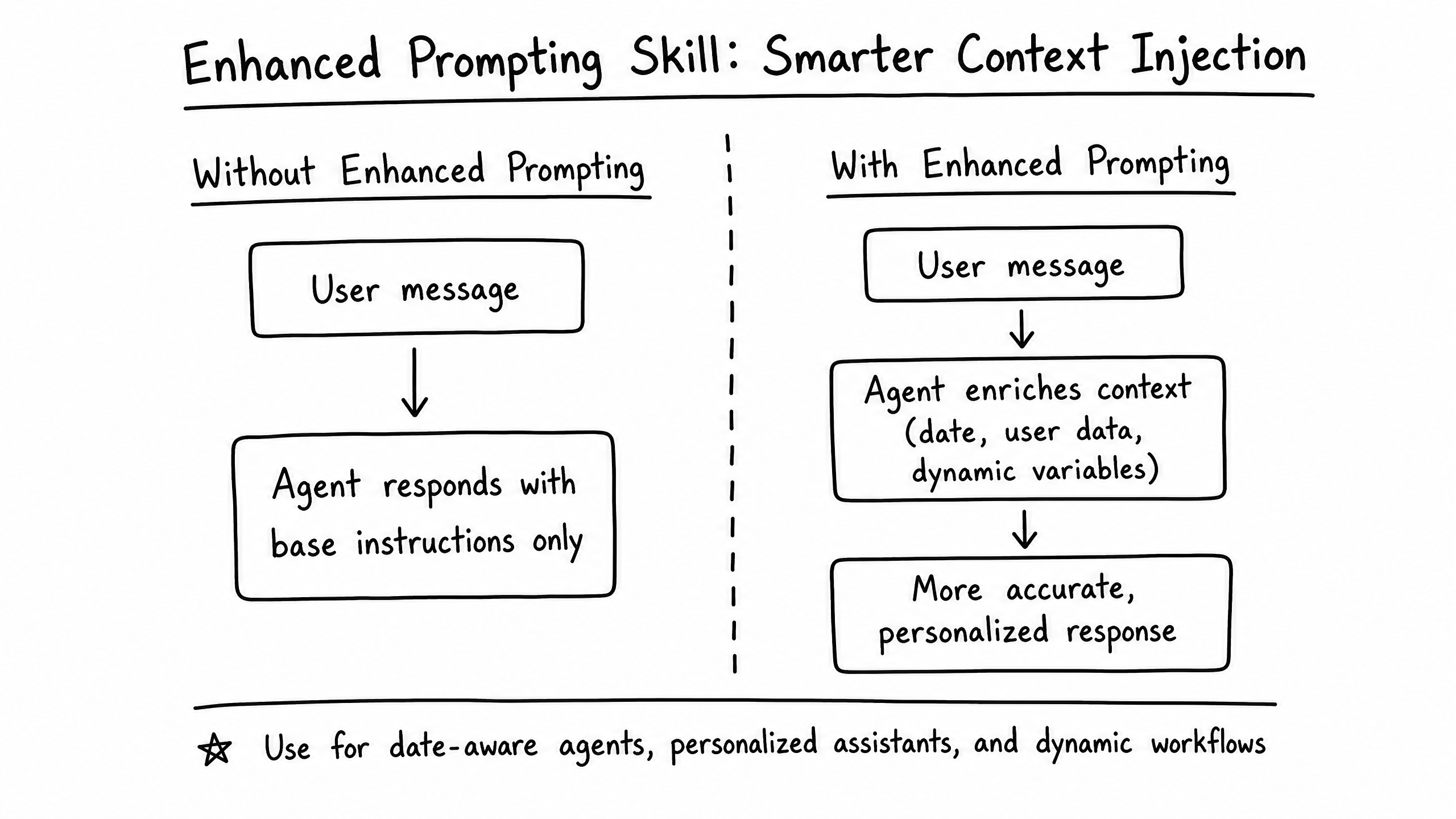
Enhanced Prompting turns a short or vague question into a clearer one before the agent answers. For example, “refund?” becomes “How do I request a refund, and how long does it take?”
02
Key features
Prerequisites
Before changing this skill, arrange a fictional prompt and a reviewer who knows its intended meaning.
Fields on the form
Prompt, with Optimize with AI, and Save.
03
How to configure it
In raia CX, open Agents, select the intended agent, then open Skills.
- Highlight 1: Agents
- Highlight 1: Skills
- 01
Open Enhanced Prompting Skill Config.
- 02
In Prompt, explain how to expand a short request without changing its intent. Click Save, reopen the settings, then re-test in Copilot with fictional text.
Enhanced Prompting: edit Prompt, then Save. - Highlight 1: Prompt
- Highlight 2: Save
- 03
Recommended test: Compare the expanded prompt with the original intent before submitting it; expansion can add unintended assumptions.
05