How it works
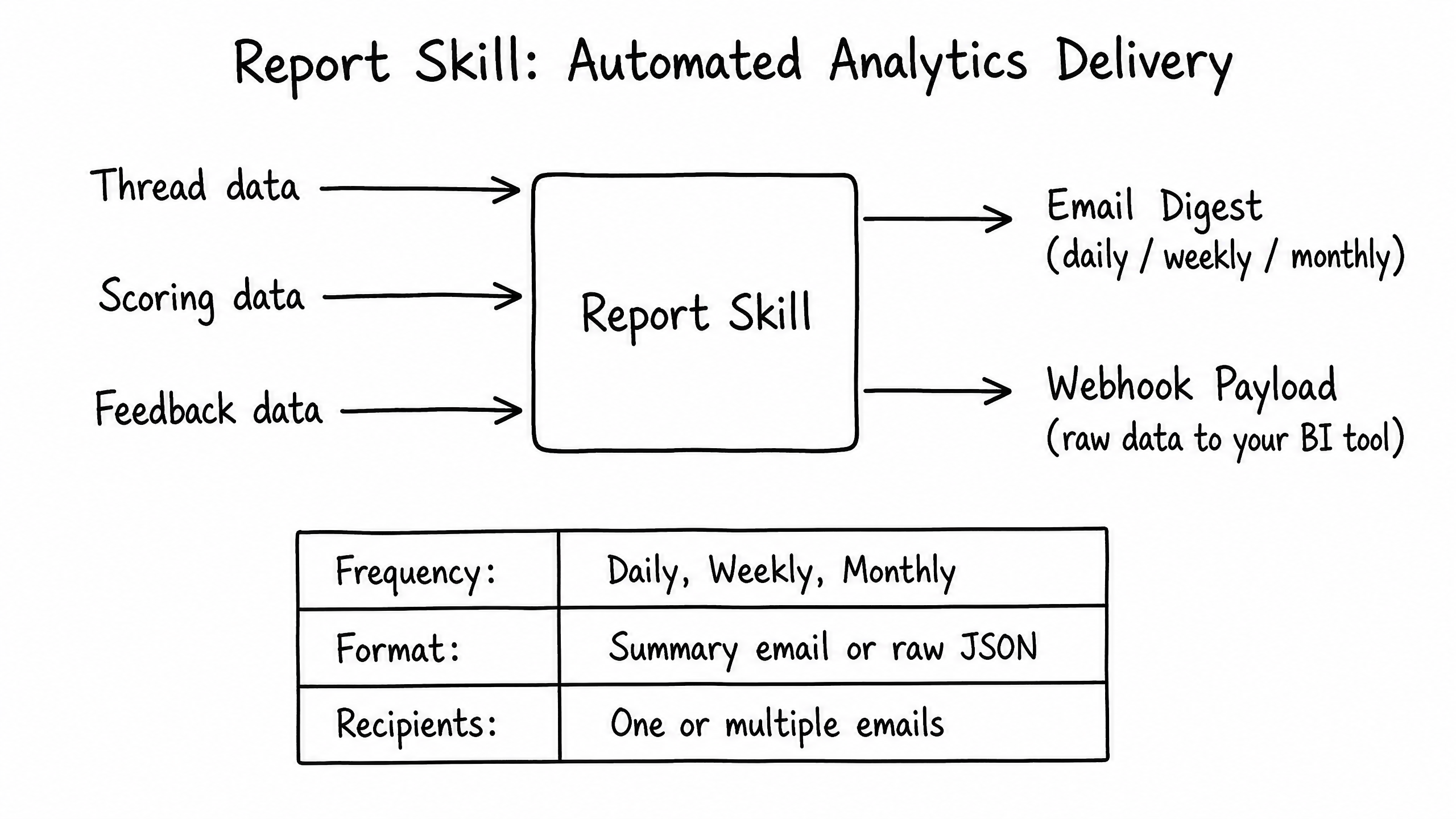
The Report skill automates the delivery of analytics and performance data. It compiles data from conversations, scoring, and feedback, and delivers it on a schedule to stakeholders or external BI tools.
Key features
Scheduled Delivery
Configure reports daily, weekly, or monthly.
Multiple Formats
Receive human-readable summary emails or raw JSON payloads.
Data Aggregation
Combines thread volume, resolution rates, average scores, and feedback trends.
How to configure it
- 01
Enable the Report skill in Launch Pad.
- 02
Choose the report frequency.
- 03
Select Email Digest or Webhook Payload format.
- 04
Enter the email addresses or webhook URLs that should receive the reports.
Frequently asked questions
Can I customize what metrics appear in the email digest?
The email digest provides a standardized set of KPIs. For fully custom reporting, use the Webhook Payload format and pipe raw data into Tableau, Looker, or another BI tool.