raia cX · Deep dive
Launch Pad Deep Dive
The Launch Pad is the central hub within raia cX where you build, train, configure, and deploy your AI agents. When you select an agent you get a horizontal nav of seven tabs — each one a domain of configuration for that agent's lifecycle.
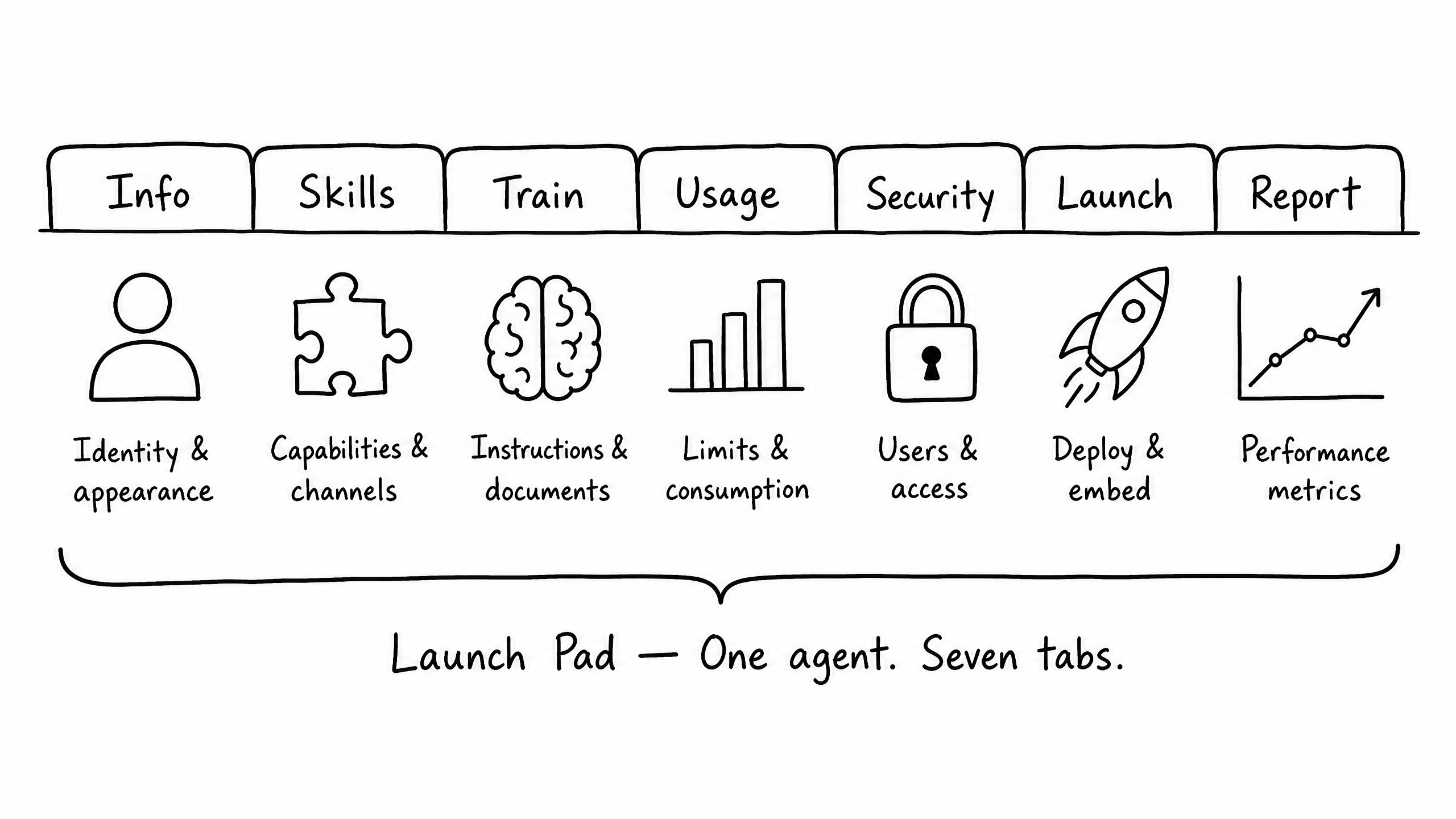
The seven tabs
Info
Identity & appearance
Define the foundational identity of your agent — basic metadata and the appearance settings that dictate how it presents itself to users.
Skills
Capabilities & channels
Skills are what turn a chat model into a working agent. They give it channels to talk on (Live Chat, SMS, Email, Voice, Teams), systems to act on (Functions, API, Webhooks, MCP), knowledge to draw from (Retrieval, Scraping, Web Search), and controls that govern it (Auditor, Escalation, Scoring, Memory). The Skills tab is where you enable and configure each one for this specific agent.
Train
Instructions, documents & model
The most critical section of the Launch Pad. Define the agent's behavior, knowledge base, and underlying AI model settings across three sub-tabs.
Usage
Limits & consumption
Monitor and control the resources your agent consumes, preventing unexpected costs.
Security
Users & access
The Security tab is where you decide who can build, configure, test, and talk to this agent — and how its training data is protected. raia applies access control at three levels: the moderator level (raia staff), the organization level (your company and team), and the agent level (this specific agent). This tab controls the agent level and shows the organization roles each user carries in.
Launch
Deploy & embed
Once your agent is trained and configured, the Launch tab is where you make it accessible to users across channels.
Report
Performance metrics
Analytics to help you evaluate your agent's performance and identify areas for improvement.